Line item:
New
Rate Card Manager
Create, import, and manage negotiated rate cards used by Core Planning.
Create, import, and manage negotiated rate cards used across planning and pricing workflows.
Filters applied
Action
No rate cards match these filters.
Adjust or clear filters to see more rate cards.
Back to Rate Cards
Create rate card
Set up the rate card, add line items, and apply premium adjustments. Quick edit is available for existing rate cards.
Create new rate card
Create New Rate Card
Enter the rate card details, then add line items and premium adjustments.
No line items yet
Add your first line item to start building this rate card.
Loading line items
Unable to load line items
Try loading the rate card again.
No matching line items
Try a different advertiser, rate card ID, marketplace, or buying entity.
No premiums have been added
Add a premium adjustment to this rate card.
Loading premiums
Unable to load premiums
Try loading the rate card again.
No premiums match your search
Try a different premium name, offering, category, or calculation method.
Remove this line item?
This line item will be removed from the rate card. This action cannot be undone.
- Advertiser
Add a line item with base rate and inventory details. Pick the rate card it attaches to, then set the advertiser scope, base offering, and base rate.
Add a new line item or find an existing one to update. Set the rate card, advertiser scope, offering, and base rate.
Premium adjustment:
New premium adjustment

Rate Card Manager
Frances Sun
Sept 2026
A Rate Card tells us the right price for each deal.
It connects the buyer, the deal, the product, and anything that changes the price.

Buyer
Who is buying?


Deal
Which deal applies?

Product
What are they buying?

Price Change
What changes the price?

Right Price

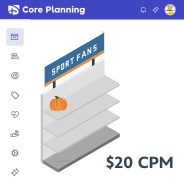
Think of Disney Advertising as a supermarket
Ad Inventory is the shelf space, and Offerings are the products planners can select.

Store
Disney Advertising

Shelf space
Ad Inventory

Product
Ad Offerings
Buyers can purchase through different deal types
The deal type helps determine which Rate Card applies.
Upfront
Reserve Early
Agreed as an advance commitment
Scatter
Purchase Later
Outside the earlier commitment
Same product. Different applicable rate.
The price depends on the buyer and the deal, not only on the product.

Ad

 $20 CPM
FY27 Upfront
Reserved placement
$28 CPM
Scatter
Available placement
*Rates shown are illustrative.
Each line item is priced as the media plan is built.
Core Planning uses ICM and TOM context. RCM returns the rate, and planning continues.

Ad
Buyer Context
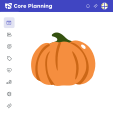
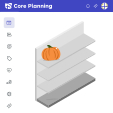
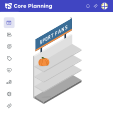
$20 CPM


ICM
Provides offering context


TOM
Provides targeting context




RCM
Returns the rate
Core Planning
Rate applied to Line Item
Continue with the next line item
RCM organizes pricing into three connected sections
Together, they determine the applicable rate used in planning.

Rate Card
Details
Who is buying, and under which deal?
Buyer / Marketplace / Deal / Timing


Line Items
What are they buying, and at what starting rate?
Offering / Base Rate

Premiums
Does anything change the price?
Condition / Adjustment


Right Price
The price used in planning

Why Pricing Gets Complicated Before Planning
An applicable rate depends on connected negotiation context, base-rate data, and recognized pricing conditions.

Buyer Scope
Buying Entity / Advertiser

Deal Context
Marketplace / Deal Season
Effective Dates

Product
Ad Product / Base Offering

Base Rate
Cost Method
Rate / Currency

Premium Details
Category / Name
Condition / Value

Calculation
CPM Add-on / Flat Fee
% Change


RCM
Manages structured rate-card data.

Core Planning
Uses applicable pricing in planning.
Who does this pricing apply to?
Buying Entity: Toyota
Advertiser: Toyota
Buyer records are validated through Saleshub.
Which negotiation context applies?
Marketplace: Upfront
Deal Season: FY27
Effective dates define when the rate card is valid.
What is Toyota buying?
Ad Type: Standard Video
Base Offering: Monday Night Football
Product values are sourced from ICM.
What is the negotiated starting price?
Cost Method: CPM
Base Rate: $20
Currency: USD
CPM is the cost per 1,000 impressions.
When does the pricing adjustment apply?
Applies to: Monday Night Football
Condition: New Jersey
Value: +10%
The premium applies only when its condition matches.
How does the premium change the rate?
Method: Percent Adjustment
Base Rate: $20 CPM
Adjustment: +10%
Applicable Rate: $22 CPM
Premiums may add to CPM, charge a flat fee, or apply a percentage change.
Why do line items need to be in the Rate Card?
Because every price must be tied to a specific sellable item.

Rate Card


Line Item


Consistent Pricing
Provides the pricing framework
Defines what is sold and its base rate
Applies the right rate to the right item
Without line items, there is no reliable way to connect Rate Card rules to what is actually being sold.
Turning Rate Cards into Structured Pricing Data
Existing rate-card workbooks are imported into a consistent structure for pricing and future Planning workflows.
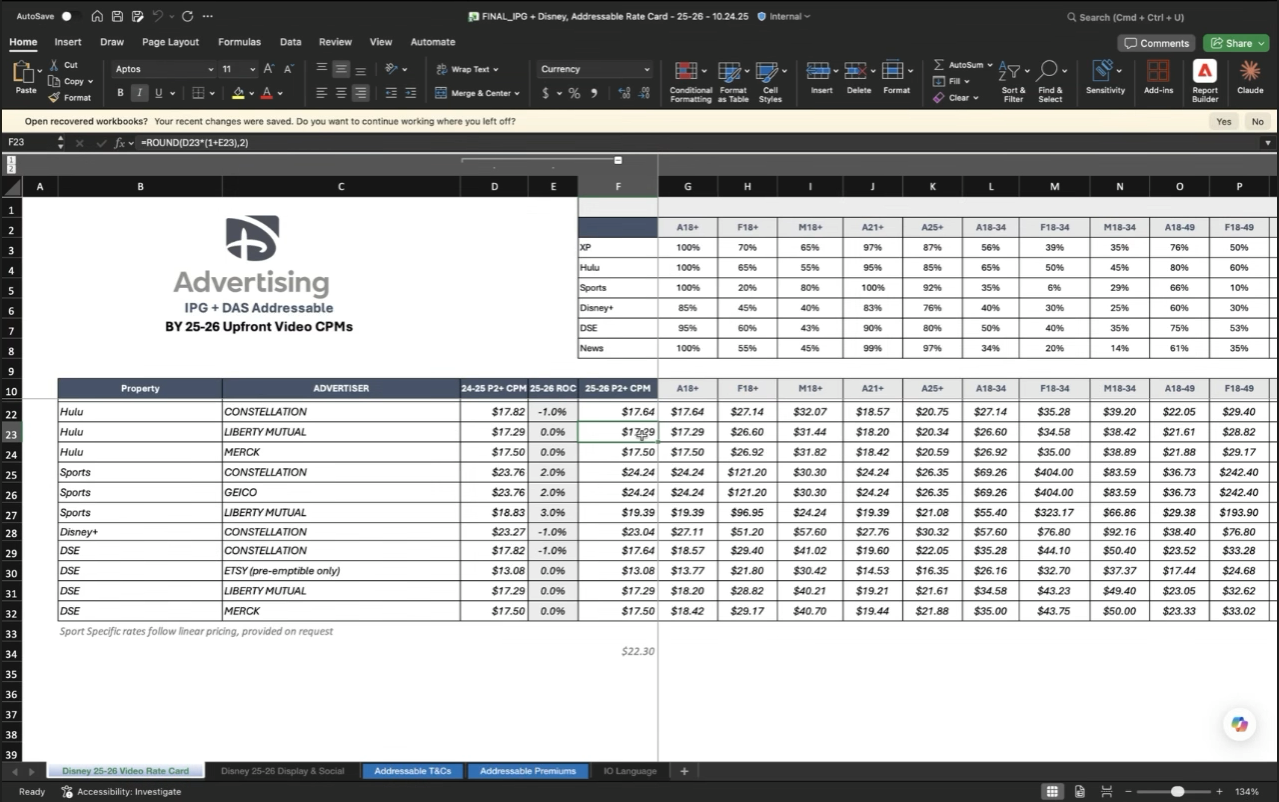
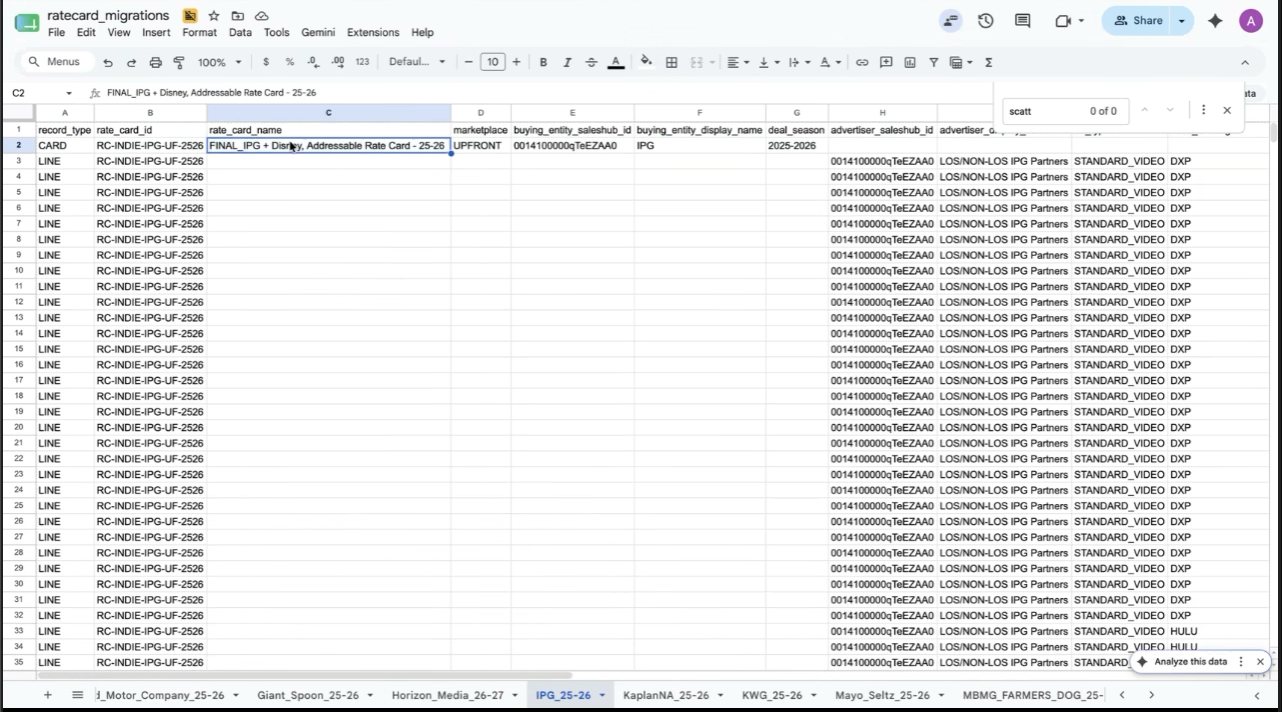


Existing Rate Card Workbook
Structured RCM Data
Importand structure

Future Rate Card Workflow
Move from disconnected spreadsheets to structured rate-card data that supports automated pricing.

Upload or Create
Import complex rate cards or create simpler ones manually.


Manage Rate-Card Data
Review Rate Card Details, Line Items, and Premiums.

Use in Pricing Workflows
Return the correct base rate and apply recognized premiums.

Pricing decisions change as the deal changes
Users need to revisit connected pricing sections without starting over.

Step Wizard
Assumes each decision is made once.

Step 1

Step 2

Step 3


Connected sections
Details, line items, and premiums can be updated anytime.

Rate Card
Details

Line Items

Premiums

How Rate Cards Will Support Core Planning
RCM manages negotiated rate-card data. Core Planning will use applicable rates in future planning workflows.

RCM
Manage rate-card data
Shared negotiation context
Negotiated base rate
Conditional adjustments


Core Planning
Use applicable pricing
Matches CARD
Comes from LINE
Comes from PREM

RCM manages the rate-card data.
Core Planning will use the applicable rate.