Line item:
New
Rate Card Manager
Create, import, and manage negotiated rate cards used by Core Planning.
Create, import, and manage negotiated rate cards used across planning and pricing workflows.
Filters applied
100 rate cards match your filters.
Action
Published
0013a00004Hc5w2AAB
WPP - Streaming Video Upfront 2026-2027ID: RC-DAS-WPP-VIDEO-UF-2627
Upfront
07/09/2026
3
Published
0016r000022wUkxAAE
Dentsu - Addressable TV Scatter 2025-2026ID: RC-DAS-DENTSU-ADDR-SC-2526
Scatter
07/31/2026
1
Published
0019J00002e59RdQAI
Disney Planning - Upfront 2025-2026ID: RC-DAS-DISNEY-UF-2526
Upfront
06/14/2026
1
Draft
0018X00003j3fFuQAI
IPG - L’Oréal Multi-Year 2025-2026ID: RC-DAS-IPG-LOREAL-MY-2526
Multi-Year
06/12/2026
1
Published
0013a000019gzATAAY
P&G - Disney+ Upfront 2025-2026ID: RC-DAS-PG-DPLUS-UF-2526
Upfront
06/10/2026
1
Draft
0018X00002EA8hjQAD
Havas - Audience Targeting Scatter 2025-2026ID: RC-DAS-HAVAS-AUD-SC-2526
Scatter
06/08/2026
2
Published
0018X00000Rx62rQAB
GroupM - Client Direct Multi-Year 2025-2026ID: RC-DAS-GROUPM-DIRECT-MY-2526
Multi-Year
06/05/2026
1
Draft
0015f00000ehHK3AAM
Omnicom - Streaming Video Upfront 2025-2026ID: RC-DAS-OMNICOM-VIDEO-UF-2526
Upfront
06/03/2026
1
Published
0010y00000k77EcAAI
Microsoft - Addressable TV Multi-Year 2025-2026ID: RC-DAS-MICROSOFT-ADDR-MY-2526
Multi-Year
06/01/2026
1
Published
0018X00004zh5KGQAY
IPG - Live Sports Multi-Year 2025-2026ID: RC-DAS-IPG-SPORTS-MY-2526
Multi-Year
05/28/2026
1
No rate cards match these filters.
Adjust or clear filters to see more rate cards.
Back to Rate Cards
Create rate card
Set up the rate card, add line items, and apply premium adjustments. Quick edit is available for existing rate cards.
Create new rate card
Create New Rate Card
Enter the rate card details, then add line items and premium adjustments.
No line items yet
Add your first line item to start building this rate card.
Loading line items
Unable to load line items
Try loading the rate card again.
No matching line items
Try a different advertiser, rate card ID, marketplace, or buying entity.
No premiums have been added
Add a premium adjustment to this rate card.
Loading premiums
Unable to load premiums
Try loading the rate card again.
No premiums match your search
Try a different premium name, offering, category, or calculation method.
Remove this line item?
This line item will be removed from the rate card. This action cannot be undone.
- Advertiser
Add a line item with base rate and inventory details. Pick the rate card it attaches to, then set the advertiser scope, base offering, and base rate.
Add a new line item or find an existing one to update. Set the rate card, advertiser scope, offering, and base rate.
Premium adjustment:
New premium adjustment

Rate Card Manager
Frances Sun
Sept 2026
Turning complex advertising pricing into structured, reusable product data.
Think of Disney Advertising as a supermarket
Inventory is the shelf space. Offerings are the products. Pricing is where it gets complicated.
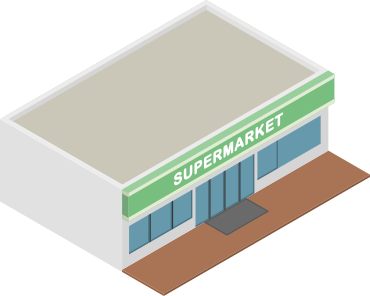
Store
Disney Advertising
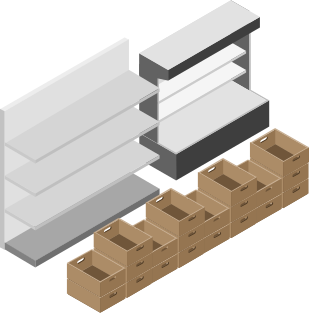
Shelf space
Ad Inventory

Product
Ad Offerings

Why pricing gets complicated before planning
Price changes with the buyer, deal, product, and adjustments.
NEGOTIATION CONTEXT
Who is buying and what deal they made

Buyer Scope
Who the buyer is

Deal Context
What kind of deal it is
WHAT IS BEING PRICED
What they are buying and its starting price

Product
What ad they are buying

Base Rate
The starting price
WHAT CHANGES THE PRICE
What can raise or lower the price.

Premium Details
Extra price adjustments

Calculation
What is the final price

THESE DECISIONS ARE CONNECTED Change one thing, and the price can change
The starting point was the existing Rate Card
RCM needed to support the pricing structure teams were already working with.
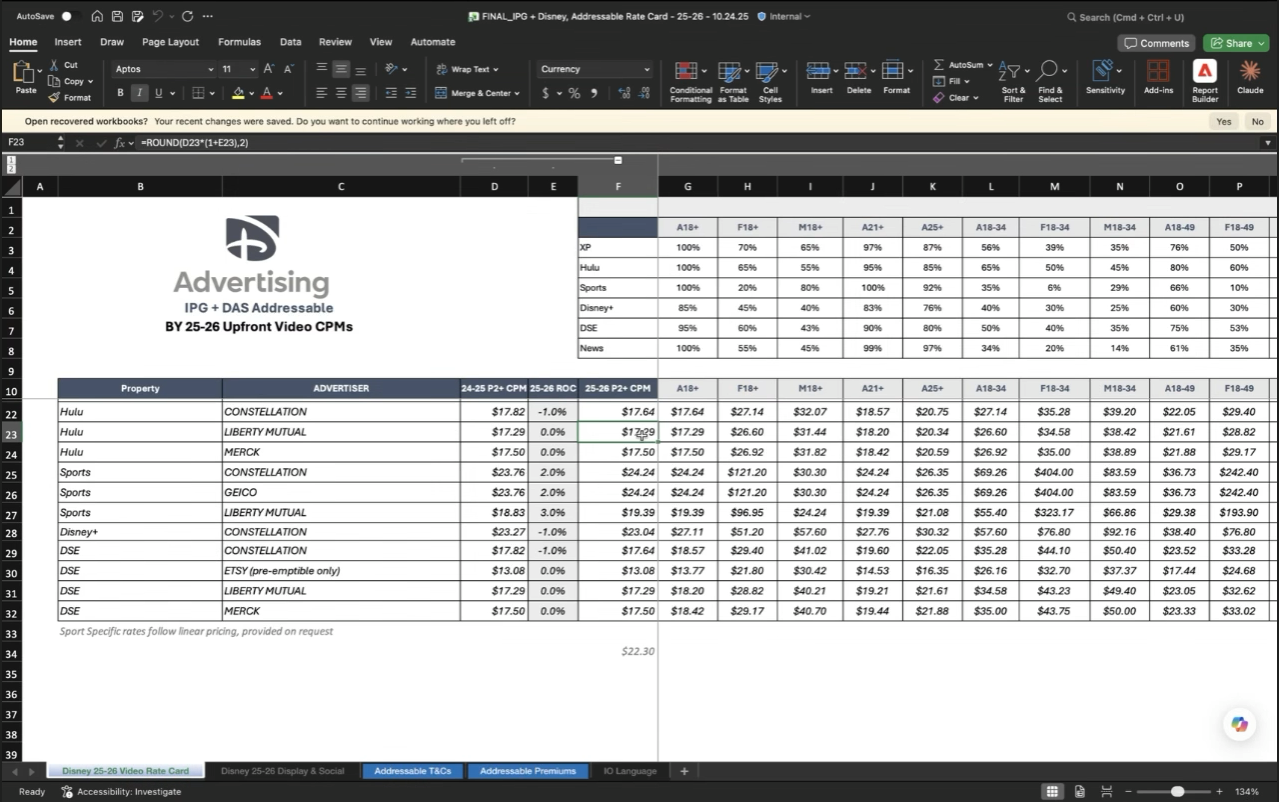
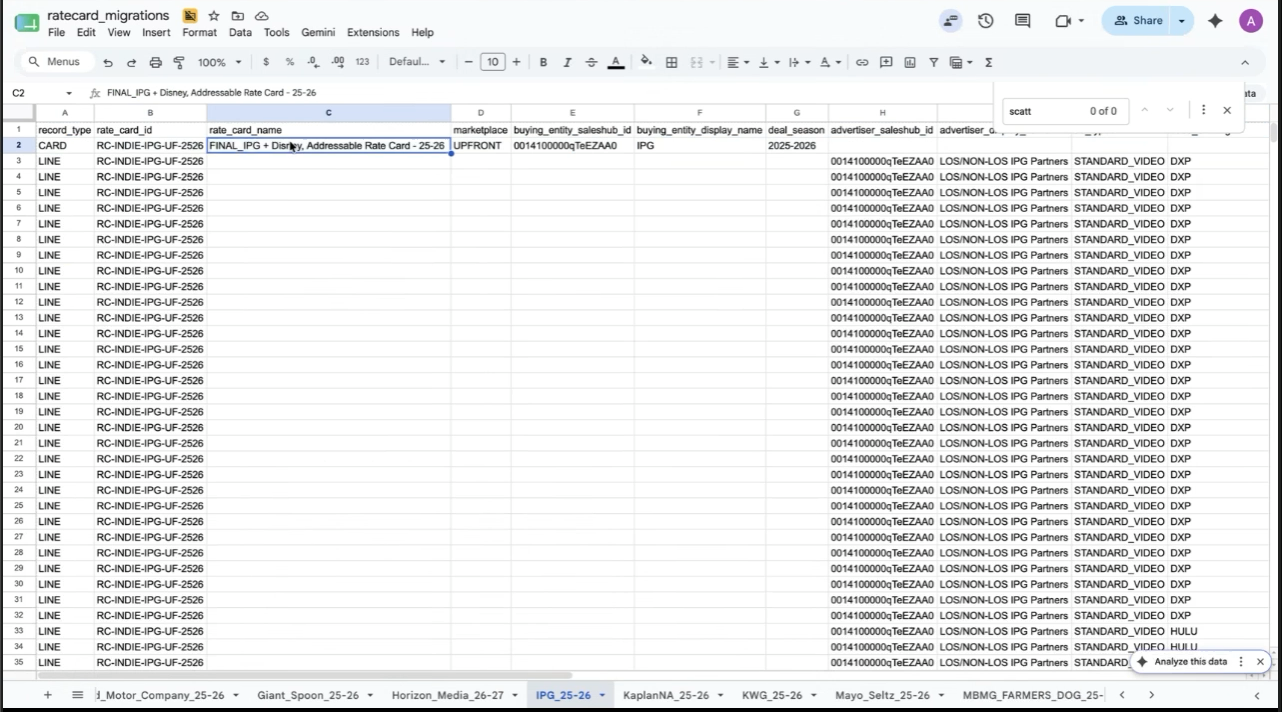


Existing Rate Card Workbook
Target RCM Data Structure

Simple shelf space. Complicated pricing.
A price depends on the buyer, the deal, the product, and anything that adjusts it.

Buyer
Who is buying?


Deal
Which deal applies?

Product
What are they buying?

Price Change
What changes the price?

Right Price
I organized pricing around three connected sections
Rate Card Details, Line Items, and Premiums work together to determine the right price.

Rate Card
Details
Who is buying, and under which deal?
Buyer / Marketplace / Deal / Timing


Line Items
What are they buying, and at what starting rate?
Offering / Base Rate

Premiums
Does anything change the price?
Condition / Adjustment


Right Price
The price used in planning

PREVIOUS DESIGN
Pricing decisions aren’t linear
The original wizard treated each pricing decision as a one-time step.


Step Wizard
Step 1 → Step 2 → Step 3
a straight line with no way back.
CURRENT DESIGN
I replaced the wizard with connected sections
Users can revisit Rate Card Details, Line Items, and Premiums as pricing changes.


Connected sections
Details Line Items Premiums
Move back and forth as pricing changes.
How Rate Card Manager fits into the pricing workflow
Create or import a Rate Card, manage pricing as it changes, then use the right rate in planning.

Create
Rate Card
Import or create a Rate Card.


Manage
Pricing
Update rates, line items, and premiums.


Apply
Pricing
Use the right rate when planning.

Same product. Different applicable rate.
The deal context changes the price, even when the product stays the same.

Ad

 $20 CPM
FY27 Upfront
Reserved placement
$28 CPM
Scatter
Available placement
*Rates shown are illustrative.
FINAL DESIGN
Find the Rate Card you need
One place to browse, search, and manage Rate Cards.

FINAL DESIGN
Manage pricing inside the Rate Card
Details, line items, and premiums stay connected in one place.
What the design established
The product had not launched yet, so these are design outcomes, not launch metrics.

Clear pricing model
Buyer, product, base rate, and adjustments were organized into one connected structure.

Flexible workflow
Users can revisit pricing details without restarting the entire setup flow.

Pricing built for planning
Pricing information was structured to support downstream planning.

Shared product vision
A working prototype made the intended experience concrete across teams.
Why do line items need to be in the Rate Card?
Because every price must be tied to a specific sellable item.

Rate Card


Line Item


Consistent Pricing
Provides the pricing framework
Defines what is sold and its base rate
Applies the right rate to the right item
Without line items, there is no reliable way to connect Rate Card rules to what is actually being sold.
Buyers can purchase through different deal types
The deal type helps determine which Rate Card applies.
Upfront
Reserve Early
Agreed as an advance commitment
Scatter
Purchase Later
Outside the earlier commitment
Each line item is priced as the media plan is built.
Core Planning uses ICM and TOM context. RCM returns the rate, and planning continues.

Ad
Buyer Context

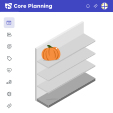
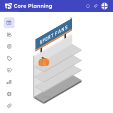
$20 CPM


ICM
Provides offering context


TOM
Provides targeting context




RCM
Returns the rate
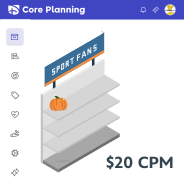
Core Planning
Rate applied to Line Item
Continue with the next line item
How Rate Cards Will Support Core Planning
RCM manages negotiated rate-card data. Core Planning will use applicable rates in future planning workflows.

RCM
Manage rate-card data
Shared negotiation context
Negotiated base rate
Conditional adjustments


Core Planning
Use applicable pricing
Matches CARD
Comes from LINE
Comes from PREM

RCM manages the rate-card data.
Core Planning will use the applicable rate.